

What am I going to need to plug in?
In late August I spent an hour on the phone with a partner who plans professional development for nonprofits in our county. She was fitting an AI session into her calendar, and she did not want to talk about prompts. She wanted to know that the people in the room would leave with something they could actually use.
She has sat through plenty of AI sessions. Most of them show you how to paste a spreadsheet into a chatbot and get a summary back, or how to make a picture of a flying pig. They are fun, and they do show what the tool can do. But the nonprofits she works with are already stretched past what anyone is funding, and nobody is paying for the time it takes to teach a tool something new. She kept coming back to a much plainer question. If I am sitting in that room, what am I going to need to plug in? What does AI need access to in my space? And what if my organization has never said what is okay?
That question shaped everything that came after.
A switchboard with every jack open.
Picture an old telephone switchboard. Rows of brass jacks, and a handful of colored cords. Every connection is a decision. Plug this line into that one and two things can talk to each other. Leave a jack open and nothing passes through.
My partner could see the room she was worried about. An executive director who writes a Friday note to the board. A development director whose donor touches live partly in her head, because the database has no good place for them. A program manager who follows up with clients whose information could hurt them if it got out. And people who have read about AI and never used it on purpose at work. She pictured them nodding along and then going quiet when it was time to try something, because nobody had ever told them which jacks they were allowed to use. Many of the organizations she serves do not have an AI policy. By the time anyone notices a donor list went somewhere it should not have, it is too late.
She also raised something I had not said out loud. AI can only work with what is plugged in. Her calendar shows her meetings and the big blocks of time she carves out, but it does not show the ten things that derailed those blocks. If a line was never connected to anything, there is nothing for AI to hear.
Most organizations leave the jacks open on purpose.
Connecting AI straight into email, the calendar, or the donor database is the plumbing, and nobody wants the plumbing connected. For a lot of organizations, leaving those jacks open is the right call. The work does not have to stop there.
The workaround is older than AI. When I ran prospect research and screenings, I kept records from overlapping by adding a separate field to the database, giving each person a stand-in name like Joe 456, and pulling the export with that field instead of the real name. The file could go somewhere to be worked on, and nothing identifying traveled with it. The same move works today with a calendar export, a survey file, or a list of donors who went quiet. You carry a copy across the room by hand instead of plugging in a cord.
By the end of that call I knew people needed more than a workbook of how to think. They needed a checklist of what to actually do. If you have no access, here is what that means. If you do not know what you have, here is where to start. If some things are allowed and others are not, here is where the line sits. Can someone just tell me what to do, because this is overwhelming. That is the real request.
The Personal Access Map.
So I built one. The Personal Access Map takes about ten minutes. You answer a few questions about what your organization has actually told you, and it places you in one of four tiers: no access, do not know, partial, or full. You pick your role, because the ED and the program manager are working different lines. You pick the tools you use in a normal week, and you say how much of your real work shows up in each one.
You leave with a packet you can print. It shows which connections you can make today without asking anyone, and gives you a checklist for every tool, with what is usually safe and what to keep out. It names the gaps in your own records and includes the export steps for your systems. The last page goes to whoever makes the call at your organization, with the questions to ask and the approvals to request. My partner’s point about policy is on that page, because a lot of people will realize partway through that nobody at their organization is sitting at the board.
When you are ready to build.
The questions she asked were the right ones. They are the questions most AI training skips, and they are why a lot of good intentions end up in a drawer by Wednesday. Before you plug anything in, find out which jacks are yours.
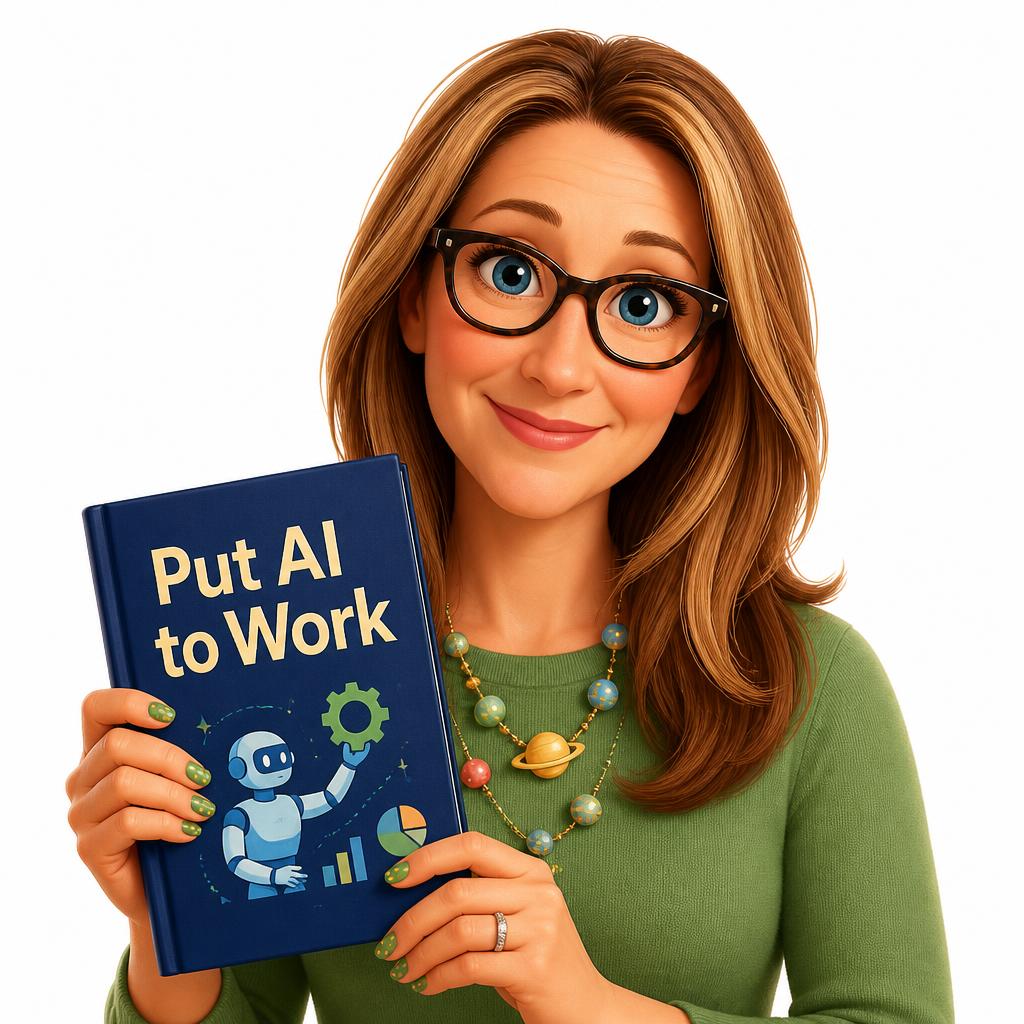
The Put AI to Work workbook picks up where the map ends. It covers the words you need, what is safe to put in, the pseudonym method step by step, and how to set up a first project using only the connections you are allowed to make.
Erin Peshoff is the Founder of Vivid Operational Advisors. She has spent thirty years inside nonprofit operations, helped raise over $100 million for institutional missions, and built Vivid around the operating discipline most strategic engagements skip.